
ElevenLabs
🎙️ Audio & VoiceUltra-realistic AI voices and voice cloning.
Extremely realistic voice qualityVoice cloning and many languages
Character limits add up on long …Voice cloning raises consent con…

AI audio cleanup that makes recordings sound pro.
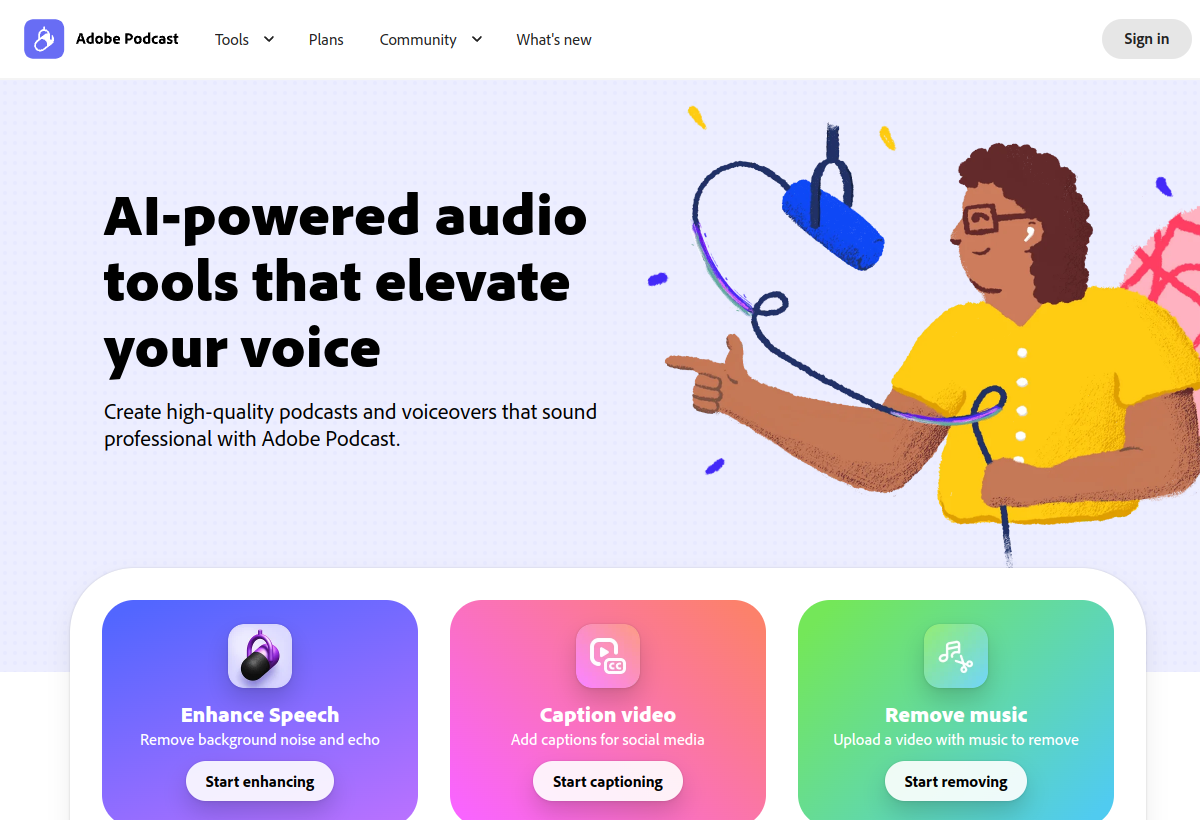
Adobe Podcast (Enhance) uses AI to remove noise and reverb, making amateur recordings sound studio-quality — with a free web tool.
Adobe Podcast sits in the Audio & Voice category and earns an overall AIProsNCons Trust Score of 8.0/10, making it a solid, dependable choice for most people.
Where Adobe Podcast shines: dramatic free audio cleanup, dead-simple to use, and great for podcasters and creators.
No tool is perfect. The main limitations to weigh up are that can over-process some voices, limited beyond enhancement, and best with reasonably clean source audio.
Adobe Podcast runs on a freemium model: there's a free tier to try it, and paid plans (Free / in CC) unlock the full feature set.
Adobe Podcast is worth it if you want to make amateur recordings sound studio-clean for free. You should skip it if you need a full DAW or your audio is unsalvageable.
Adobe Podcast has a free tier, with paid plans (Free / in CC) unlocking more.
Adobe Podcast is best for cleaning up recordings, podcasters & creators, a free web tool.
The main drawbacks: Can over-process some voices; Limited beyond enhancement; Best with reasonably clean source audio.
With an overall Trust Score of 8.0/10, Adobe Podcast is a solid, dependable choice for most people. It is worth it if you want to make amateur recordings sound studio-clean for free.
The closest audio & voice alternatives to Adobe Podcast are ElevenLabs, iZotope RX, and Krisp.
The closest audio & voice tools worth comparing.
If Adobe Podcast isn't quite the right fit, the top alternatives are ElevenLabs, iZotope RX, Krisp. Put them head-to-head in our comparison tool.
Ultra-realistic AI voices and voice cloning.
Industry-standard AI-powered audio repair software.

AI noise cancellation for calls and recordings.