
DaVinci Resolve
🎬 VideoProfessional video editor with AI-powered Neural Engine tools.
Professional-grade editing, comp…Powerful AI tools like Magic Mas…
Steep learning curve for beginnersStudio version is a one-time pai…

AI-assisted storyboarding tool for video and animation.
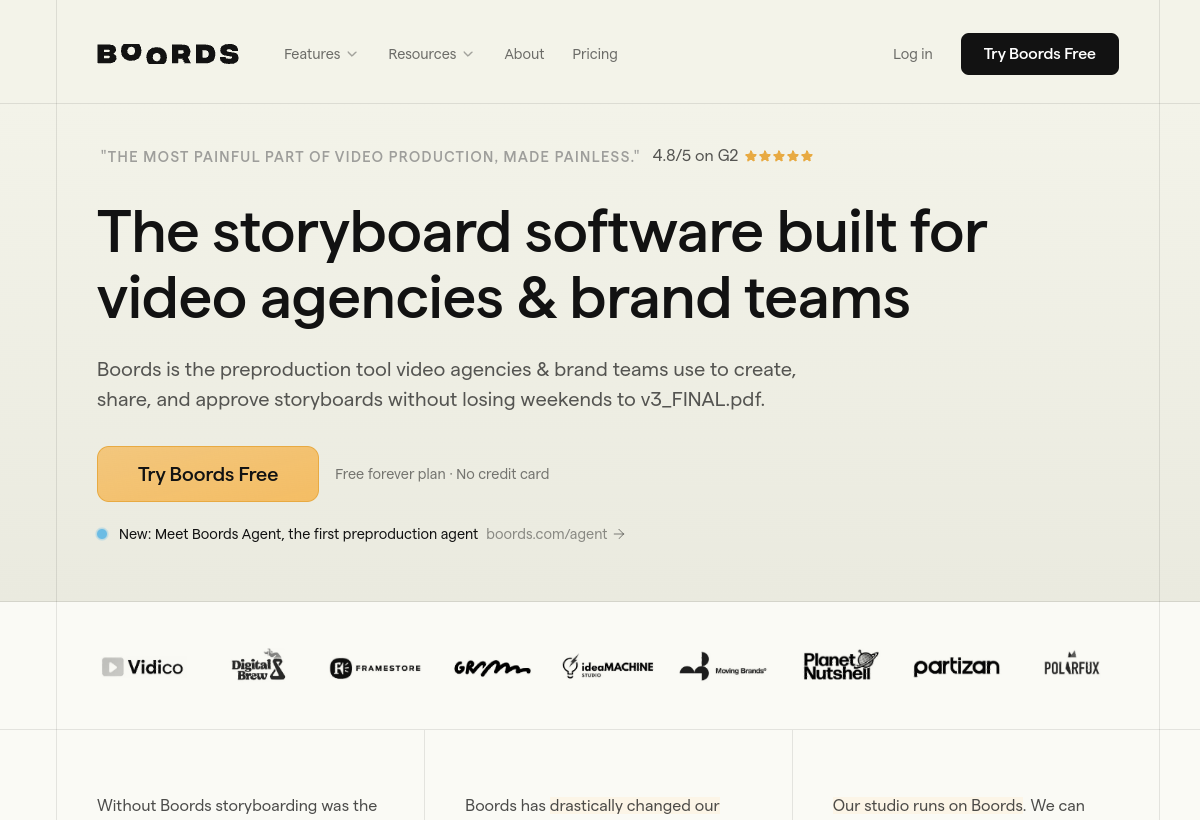
Boords helps video teams build storyboards for shoots and animations, with AI-assisted frame generation and scripting to speed up pre-production planning.
Boords sits in the Video category and earns an overall AIProsNCons Trust Score of 7.6/10, making it a solid, dependable choice for most people.
Where Boords shines: purpose-built for storyboarding, not a general design tool, aI speeds up rough frame generation from scripts, and good collaboration features for production teams.
No tool is perfect. The main limitations to weigh up are that no lasting free tier, aI-generated frames are rough drafts, not final art, and narrow use case limited to pre-production.
Boords is a paid tool (Free trial / $18+ mo) — check whether a free trial is available before committing.
Boords is worth it if your team storyboards shoots or animations regularly. You should skip it if you need finished video, not a planning/storyboard tool.
No — Boords is a paid tool (Free trial / $18+ mo), though it may offer a trial.
Boords is best for video production teams planning shoots, animators storyboarding before animating, agencies pitching video concepts to clients.
The main drawbacks: No lasting free tier; AI-generated frames are rough drafts, not final art; Narrow use case limited to pre-production.
With an overall Trust Score of 7.6/10, Boords is a solid, dependable choice for most people. It is worth it if your team storyboards shoots or animations regularly.
The closest video alternatives to Boords are DaVinci Resolve, Descript, and Google Veo.
The closest video tools worth comparing.
If Boords isn't quite the right fit, the top alternatives are DaVinci Resolve, Descript, Google Veo. Put them head-to-head in our comparison tool.
Professional video editor with AI-powered Neural Engine tools.

Edit video and podcasts by editing text.

Google DeepMind's state-of-the-art text-to-video model.