
Raycast
⚡ ProductivityFast, AI-powered launcher and productivity tool for Mac.
Extremely fast, beloved by devel…Powerful AI features built into …
Mac-only, no Windows versionSome advanced AI features need Pro

AI-powered email client with smart summaries and encryption.
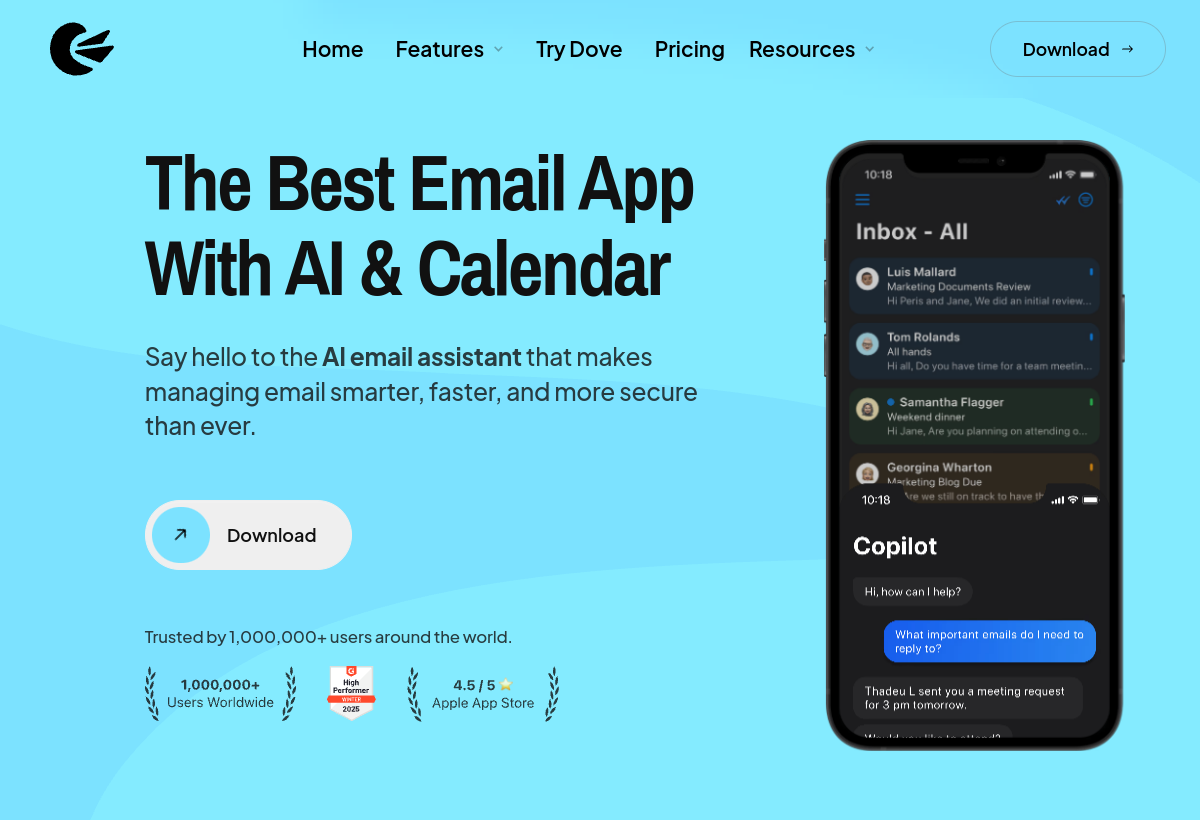
Canary Mail is a native email client with built-in AI for summarizing threads, drafting replies and prioritizing your inbox, plus PGP encryption.
Canary Mail sits in the Productivity category and earns an overall AIProsNCons Trust Score of 7.8/10, making it a solid, dependable choice for most people.
Where Canary Mail shines: aI thread summaries and smart replies built in, strong built-in email encryption (PGP), and clean native apps for Mac, Windows, iOS, Android.
No tool is perfect. The main limitations to weigh up are that smaller user base than Superhuman/Spark, some AI features need the paid tier, and occasional sync quirks reported by users.
Canary Mail runs on a freemium model: there's a free tier to try it, and paid plans (Free / $14.99+ mo) unlock the full feature set.
Canary Mail is worth it if you want a native AI email client with built-in encryption. You should skip it if you need a shared team inbox or want the most established brand.
Canary Mail has a free tier, with paid plans (Free / $14.99+ mo) unlocking more.
Canary Mail is best for privacy-conscious users wanting encrypted ai email, people wanting a native ai-first email client, users managing multiple accounts in one app.
The main drawbacks: Smaller user base than Superhuman/Spark; Some AI features need the paid tier; Occasional sync quirks reported by users.
With an overall Trust Score of 7.8/10, Canary Mail is a solid, dependable choice for most people. It is worth it if you want a native AI email client with built-in encryption.
The closest productivity alternatives to Canary Mail are Raycast, Linear, and Clockify.
The closest productivity tools worth comparing.
If Canary Mail isn't quite the right fit, the top alternatives are Raycast, Linear, Clockify. Put them head-to-head in our comparison tool.
Fast, AI-powered launcher and productivity tool for Mac.

AI-enhanced project management built for software teams.

Popular free time tracking tool with AI insights.