
Excalidraw
🖌️ Design & CreativeOpen-source, hand-drawn-style collaborative whiteboard.
Beloved, distinctive hand-drawn …Free and open source
AI features are lighter than ded…Less polished for formal busines…
AI-assisted background removal and clipping path tool.
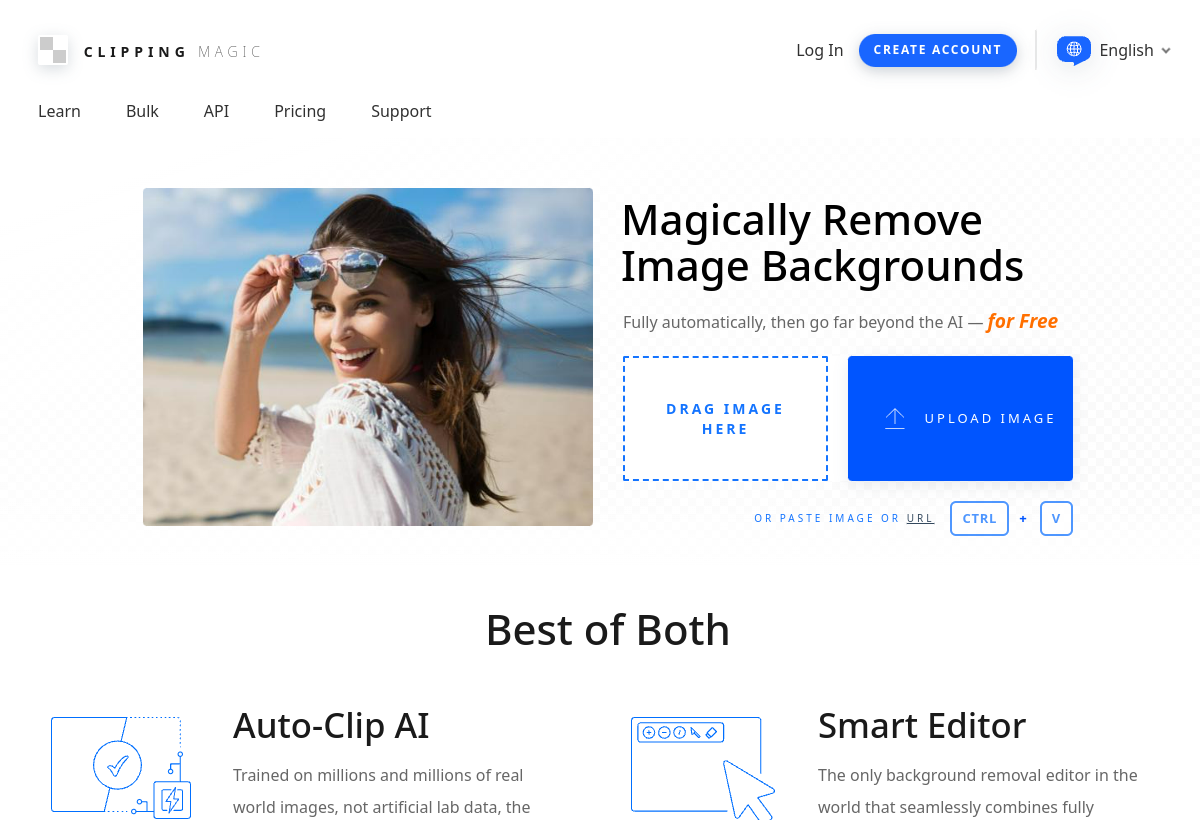
Clipping Magic uses AI edge detection to help users remove backgrounds and create precise clipping paths from photos, popular among e-commerce sellers and print designers needing clean cutouts.
Clipping Magic sits in the Design & Creative category and earns an overall AIProsNCons Trust Score of 7.5/10, making it a solid, dependable choice for most people.
Where Clipping Magic shines: precise, controllable edge detection beyond one-click removal, good for tricky edges like hair or fur, and useful for print-ready clipping paths, not just web images.
No tool is perfect. The main limitations to weigh up are that requires more manual touch-up than fully automatic tools, credit-based pricing adds up for high volume, and interface feels dated compared to newer AI tools.
Clipping Magic is a paid tool (Free trial / $3.99+ credits) — check whether a free trial is available before committing.
Clipping Magic is worth it if you need precise, controllable background removal for tricky images. You should skip it if you want fully automatic one-click results or cheap bulk processing.
No — Clipping Magic is a paid tool (Free trial / $3.99+ credits), though it may offer a trial.
Clipping Magic is best for e-commerce sellers needing clean product cutouts, print designers needing precise clipping paths, users needing control over tricky edges.
The main drawbacks: Requires more manual touch-up than fully automatic tools; Credit-based pricing adds up for high volume; Interface feels dated compared to newer AI tools.
With an overall Trust Score of 7.5/10, Clipping Magic is a solid, dependable choice for most people. It is worth it if you need precise, controllable background removal for tricky images.
The closest design & creative alternatives to Clipping Magic are Excalidraw, Canva Magic Studio, and Typeform.
The closest design & creative tools worth comparing.
If Clipping Magic isn't quite the right fit, the top alternatives are Excalidraw, Canva Magic Studio, Typeform. Put them head-to-head in our comparison tool.
Open-source, hand-drawn-style collaborative whiteboard.

AI design tools inside the Canva editor.

Popular interactive form builder with AI features.