
Ramp
🤖 Business & AutomationAI-powered corporate card and spend management platform.
Genuinely free for the core plat…AI-powered savings insights are …
Requires qualifying for corporat…Best suited to US-based businesses

CRM built natively for Google Workspace users.
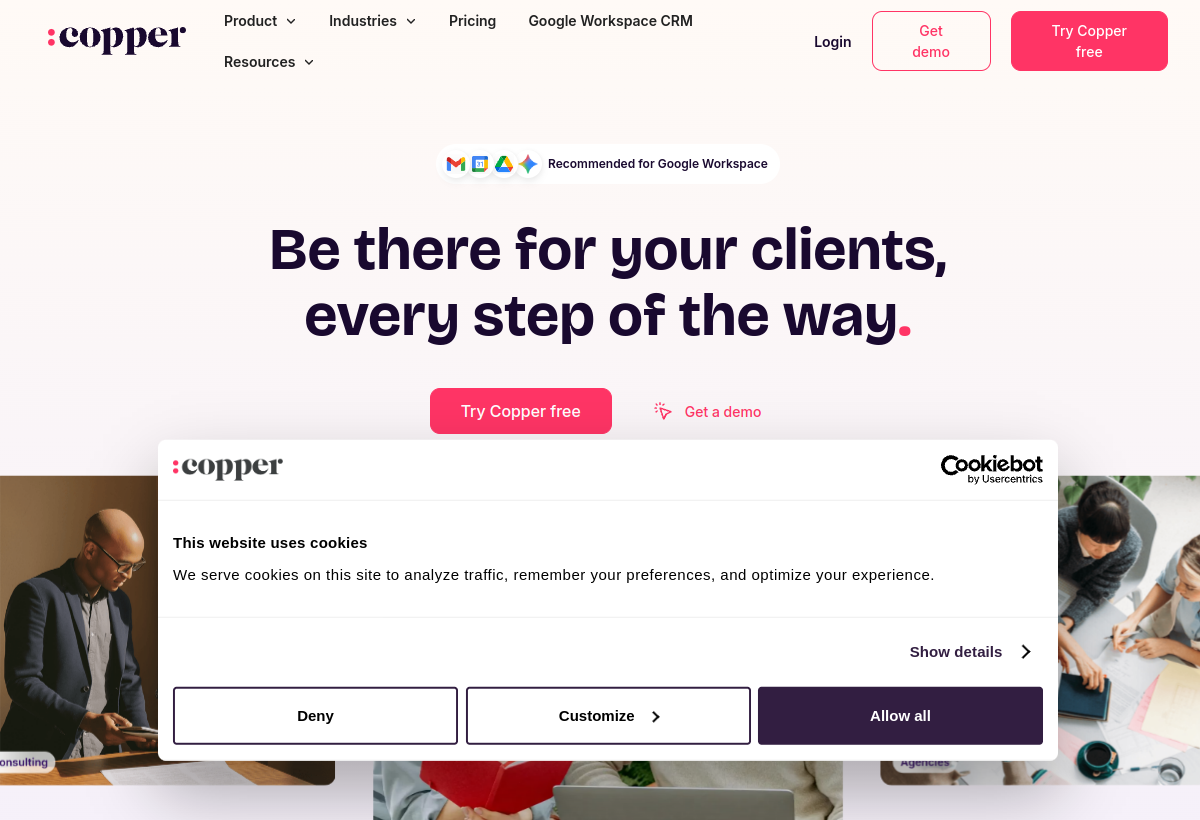
Copper is a CRM designed to work seamlessly inside Gmail and Google Workspace, with AI-assisted data entry and insights.
Copper sits in the Business & Automation category and earns an overall AIProsNCons Trust Score of 7.6/10, making it a solid, dependable choice for most people.
Where Copper shines: deep, native Google Workspace integration, minimal manual data entry needed, and clean, intuitive interface.
No tool is perfect. The main limitations to weigh up are that no free tier, best suited specifically to Google Workspace users, and less flexible outside the Google ecosystem.
Copper is a paid tool (From $29+ mo per user) — check whether a free trial is available before committing.
Copper is worth it if you use Google Workspace and want a CRM that lives inside Gmail. You should skip it if you're not on Workspace or need complex enterprise features.
No — Copper is a paid tool (From $29+ mo per user), though it may offer a trial.
Copper is best for google workspace-based businesses, teams wanting a crm inside gmail, minimal-friction crm adoption.
The main drawbacks: No free tier; Best suited specifically to Google Workspace users; Less flexible outside the Google ecosystem.
With an overall Trust Score of 7.6/10, Copper is a solid, dependable choice for most people. It is worth it if you use Google Workspace and want a CRM that lives inside Gmail.
The closest business & automation alternatives to Copper are Ramp, Drata, and Make.
The closest business & automation tools worth comparing.
If Copper isn't quite the right fit, the top alternatives are Ramp, Drata, Make. Put them head-to-head in our comparison tool.
AI-powered corporate card and spend management platform.

Automated security compliance and audit readiness platform.

Visual automation platform for connecting apps.