
Ramp
🤖 Business & AutomationAI-powered corporate card and spend management platform.
Genuinely free for the core plat…AI-powered savings insights are …
Requires qualifying for corporat…Best suited to US-based businesses

Popular AI-powered expense reporting platform.
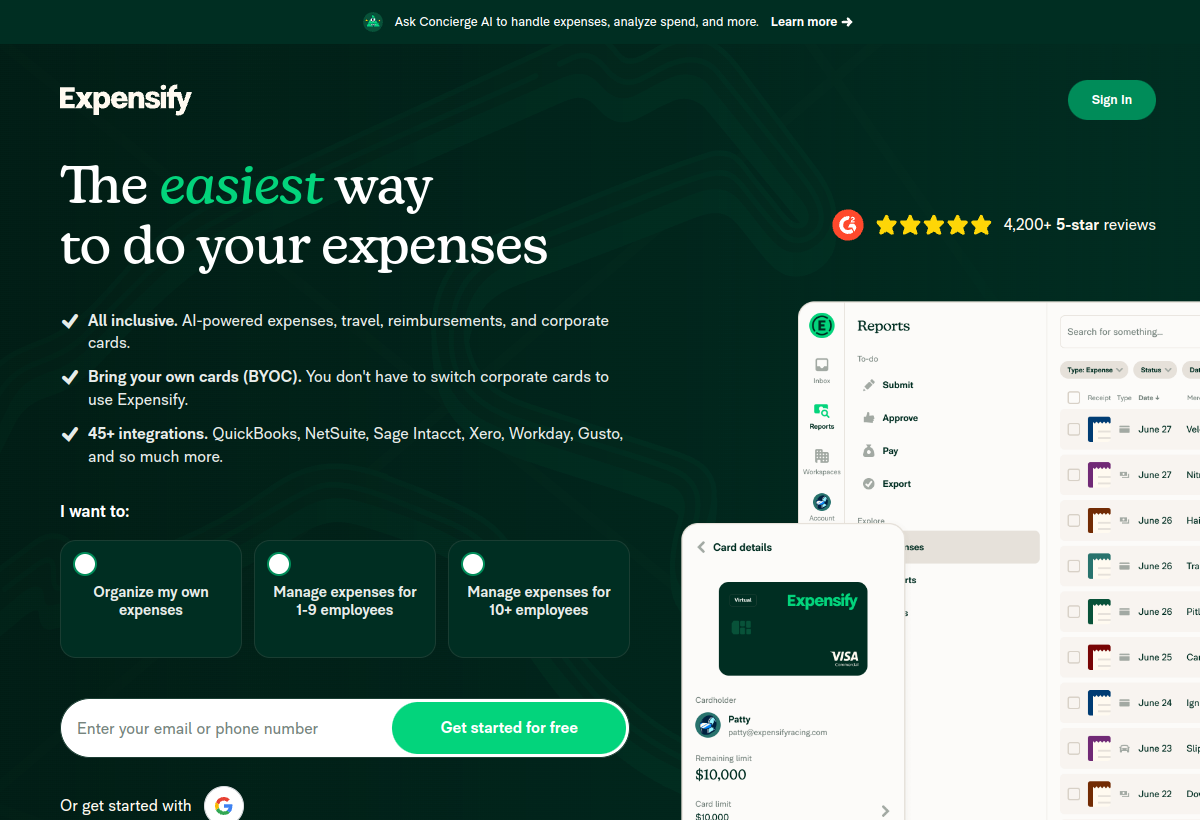
Expensify automates expense reporting using AI to scan receipts and categorize spending, widely used by businesses of all sizes.
Expensify sits in the Business & Automation category and earns an overall AIProsNCons Trust Score of 7.9/10, making it a solid, dependable choice for most people.
Where Expensify shines: widely trusted, established expense platform, aI-powered receipt scanning is fast and accurate, and usable free tier for individuals.
No tool is perfect. The main limitations to weigh up are that team features need paid plans, pricing scales with team size, and some advanced features have a learning curve.
Expensify runs on a freemium model: there's a free tier to try it, and paid plans (Free / $5+ mo per user) unlock the full feature set.
Expensify is worth it if your team needs automated, AI-powered expense reporting. You should skip it if you have minimal expenses or need full accounting.
Expensify has a free tier, with paid plans (Free / $5+ mo per user) unlocking more.
Expensify is best for businesses automating expense reporting, employees submitting expenses regularly, teams wanting fast receipt processing.
The main drawbacks: Team features need paid plans; Pricing scales with team size; Some advanced features have a learning curve.
With an overall Trust Score of 7.9/10, Expensify is a solid, dependable choice for most people. It is worth it if your team needs automated, AI-powered expense reporting.
The closest business & automation alternatives to Expensify are Ramp, Drata, and Make.
The closest business & automation tools worth comparing.
If Expensify isn't quite the right fit, the top alternatives are Ramp, Drata, Make. Put them head-to-head in our comparison tool.
AI-powered corporate card and spend management platform.

Automated security compliance and audit readiness platform.

Visual automation platform for connecting apps.