
Raycast
⚡ ProductivityFast, AI-powered launcher and productivity tool for Mac.
Extremely fast, beloved by devel…Powerful AI features built into …
Mac-only, no Windows versionSome advanced AI features need Pro

AI-assisted resource scheduling and capacity planning.
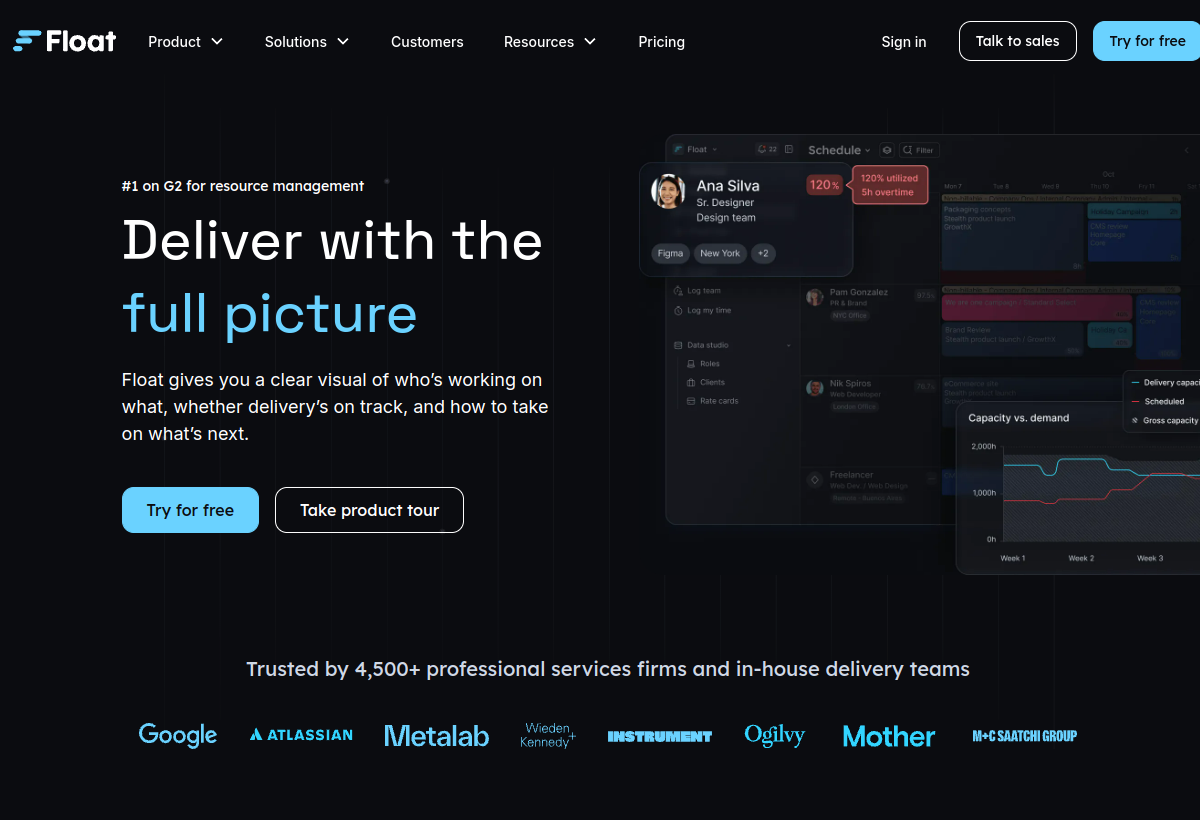
Float helps teams schedule and plan resource capacity across projects, with AI-assisted forecasting to prevent over-booking.
Float sits in the Productivity category and earns an overall AIProsNCons Trust Score of 7.9/10, making it a solid, dependable choice for most people.
Where Float shines: excellent visual resource scheduling, aI-assisted capacity forecasting, and popular among agencies and studios.
No tool is perfect. The main limitations to weigh up are that no lasting free tier, narrow focus on resource scheduling specifically, and best value for teams with meaningful headcount.
Float is a paid tool (Free trial / $7.50+ mo per user) — check whether a free trial is available before committing.
Float is worth it if your team needs to visually plan and forecast resource capacity. You should skip it if you are solo or need general PM instead.
No — Float is a paid tool (Free trial / $7.50+ mo per user), though it may offer a trial.
Float is best for agencies and studios planning team capacity, teams preventing resource over-booking, visual resource scheduling needs.
The main drawbacks: No lasting free tier; Narrow focus on resource scheduling specifically; Best value for teams with meaningful headcount.
With an overall Trust Score of 7.9/10, Float is a solid, dependable choice for most people. It is worth it if your team needs to visually plan and forecast resource capacity.
The closest productivity alternatives to Float are Raycast, Linear, and Clockify.
The closest productivity tools worth comparing.
If Float isn't quite the right fit, the top alternatives are Raycast, Linear, Clockify. Put them head-to-head in our comparison tool.
Fast, AI-powered launcher and productivity tool for Mac.

AI-enhanced project management built for software teams.

Popular free time tracking tool with AI insights.