
Excalidraw
🖌️ Design & CreativeOpen-source, hand-drawn-style collaborative whiteboard.
Beloved, distinctive hand-drawn …Free and open source
AI features are lighter than ded…Less polished for formal busines…

Design and publish AI-generated websites.
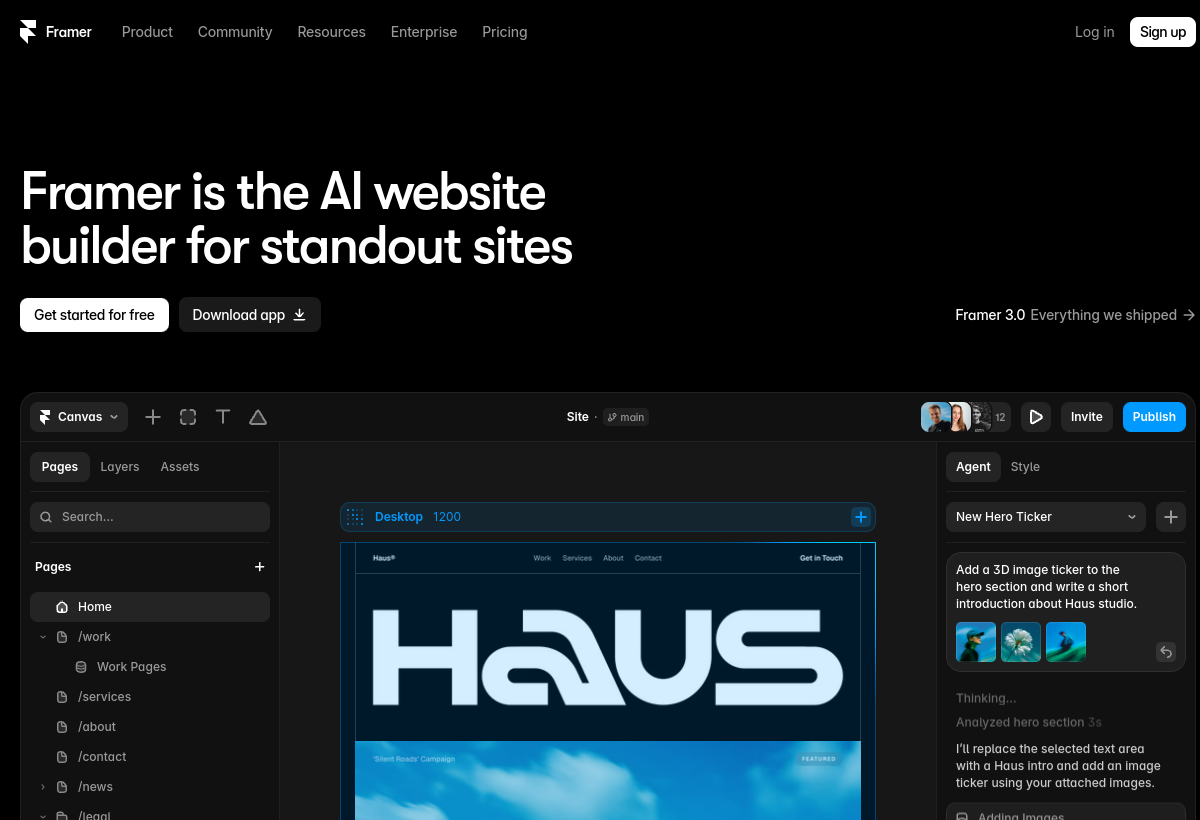
Framer builds responsive, publishable websites from prompts and a visual canvas, with AI for layout, copy and translation.
Framer sits in the Design & Creative category and earns an overall AIProsNCons Trust Score of 8.0/10, making it a solid, dependable choice for most people.
Where Framer shines: prompt-to-website, fast, publishes real, responsive sites, and strong design control.
No tool is perfect. The main limitations to weigh up are that best features need paid plans, learning curve for advanced use, and can get pricey at scale.
Framer runs on a freemium model: there's a free tier to try it, and paid plans (Free / $10+ mo) unlock the full feature set.
Framer is worth it if you want to design and publish real sites quickly with AI help. You should skip it if you need a heavy custom backend or CMS.
Framer has a free tier, with paid plans (Free / $10+ mo) unlocking more.
Framer is best for landing pages and portfolios, designers and marketers, no-code sites.
The main drawbacks: Best features need paid plans; Learning curve for advanced use; Can get pricey at scale.
With an overall Trust Score of 8.0/10, Framer is a solid, dependable choice for most people. It is worth it if you want to design and publish real sites quickly with AI help.
The closest design & creative alternatives to Framer are Excalidraw, Canva Magic Studio, and Typeform.
The closest design & creative tools worth comparing.
If Framer isn't quite the right fit, the top alternatives are Excalidraw, Canva Magic Studio, Typeform. Put them head-to-head in our comparison tool.
Open-source, hand-drawn-style collaborative whiteboard.

AI design tools inside the Canva editor.

Popular interactive form builder with AI features.