DeepL Translator
✍️ Writing & ContentWidely respected AI-powered language translator.
Widely regarded as more natural …Strong free tier
Fewer supported languages than G…Advanced features need a paid plan

AI-assisted platform for writing technical documentation.
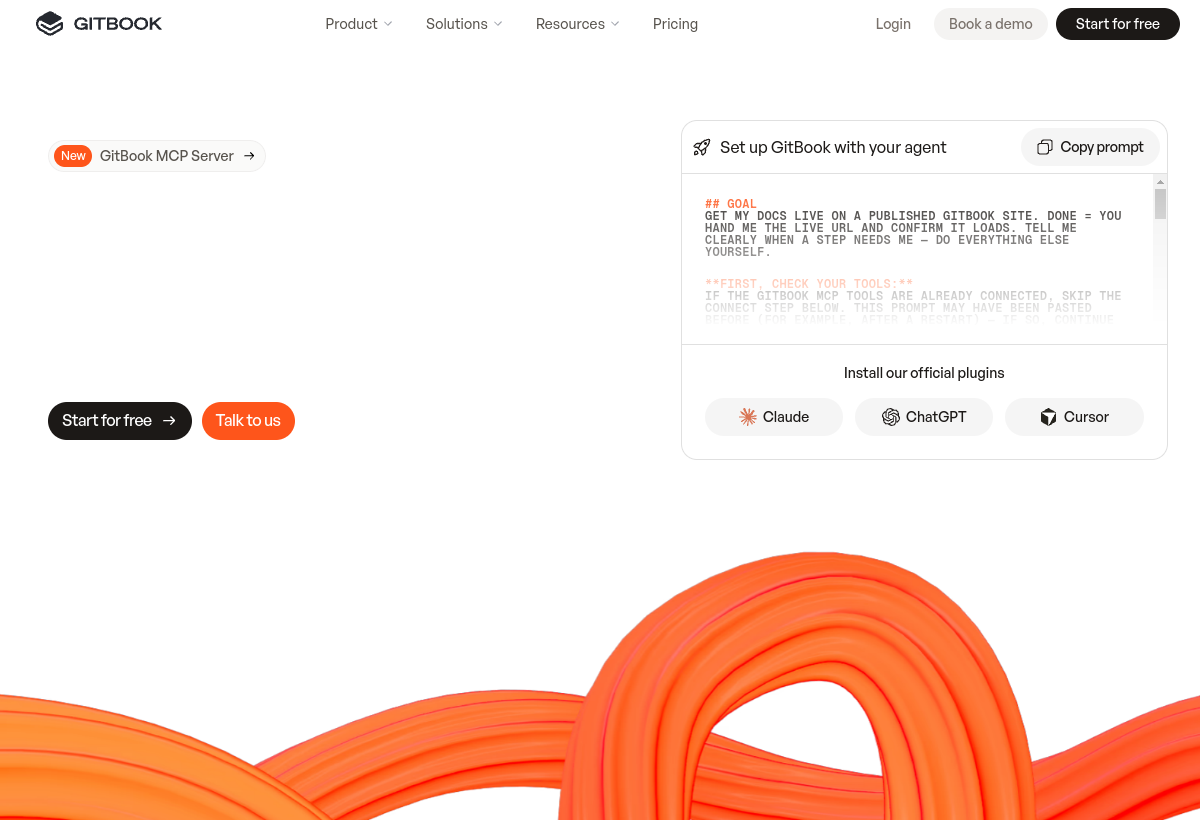
GitBook combines a modern docs editor with an AI assistant that helps write, search and answer questions across technical documentation.
GitBook sits in the Writing & Content category and earns an overall AIProsNCons Trust Score of 8.1/10, making it a solid, dependable choice for most people.
Where GitBook shines: clean, modern editor built for technical docs, aI assistant answers questions grounded in your docs, and strong Git-based version control workflow.
No tool is perfect. The main limitations to weigh up are that advanced AI features need a paid plan, overkill for a single simple document, and learning curve for full Git-sync workflow.
GitBook runs on a freemium model: there's a free tier to try it, and paid plans (Free / $6.70 user/mo) unlock the full feature set.
GitBook is worth it if your team writes and maintains technical documentation at scale. You should skip it if you just need a single simple document, not a docs site.
GitBook has a free tier, with paid plans (Free / $6.70 user/mo) unlocking more.
GitBook is best for software teams writing technical documentation, public api and product docs with ai search, teams wanting docs synced with git.
The main drawbacks: Advanced AI features need a paid plan; Overkill for a single simple document; Learning curve for full Git-sync workflow.
With an overall Trust Score of 8.1/10, GitBook is a solid, dependable choice for most people. It is worth it if your team writes and maintains technical documentation at scale.
The closest writing & content alternatives to GitBook are DeepL Translator, Grammarly, and Scribe.
The closest writing & content tools worth comparing.
If GitBook isn't quite the right fit, the top alternatives are DeepL Translator, Grammarly, Scribe. Put them head-to-head in our comparison tool.
Widely respected AI-powered language translator.

AI writing assistant for grammar, tone and clarity.

Automatically turns your workflow into a step-by-step guide.