
Claude Code
💻 Coding & DevAnthropic's agentic coding tool for the terminal.
Deep, agentic multi-file coding …Understands large codebases well
Terminal-based — learning curve …Usage-based cost can add up

AI pair programmer inside your editor.
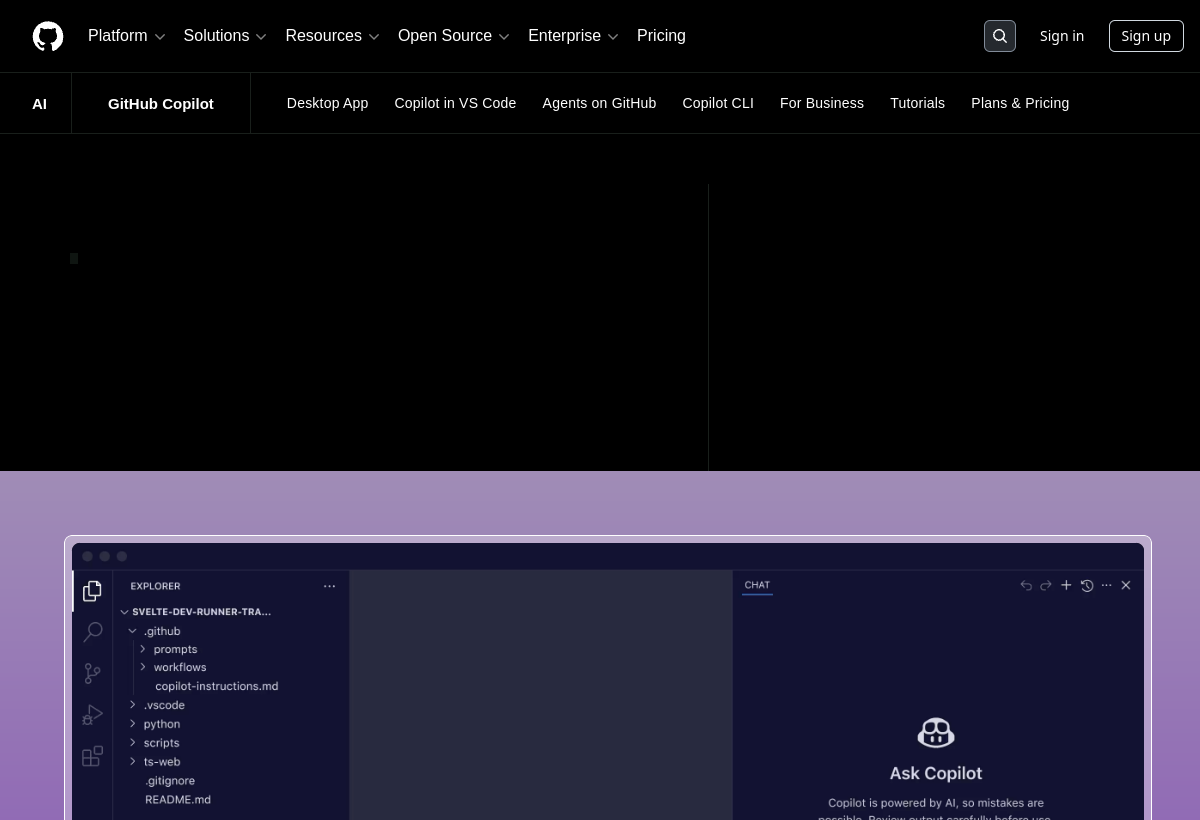
GitHub Copilot suggests whole lines and functions as you type in VS Code and other editors. Speeds up coding, writes tests and explains code.
GitHub Copilot sits in the Coding & Dev category and earns an overall AIProsNCons Trust Score of 8.1/10, making it a solid, dependable choice for most people.
Where GitHub Copilot shines: real-time completion in your editor, supports most popular languages, and free tier plus free for students/OSS.
No tool is perfect. The main limitations to weigh up are that suggestions can be subtly wrong, needs review for security-sensitive code, and pro features need a subscription.
GitHub Copilot runs on a freemium model: there's a free tier to try it, and paid plans (Free / $10+ mo) unlock the full feature set.
GitHub Copilot is worth it if you code regularly and want fast, in-editor AI completion. You should skip it if you can't send code to the cloud or need zero review.
GitHub Copilot has a free tier, with paid plans (Free / $10+ mo) unlocking more.
GitHub Copilot is best for developers of all levels, in-editor autocomplete, students & open source (free).
The main drawbacks: Suggestions can be subtly wrong; Needs review for security-sensitive code; Pro features need a subscription.
With an overall Trust Score of 8.1/10, GitHub Copilot is a solid, dependable choice for most people. It is worth it if you code regularly and want fast, in-editor AI completion.
The closest coding & dev alternatives to GitHub Copilot are Claude Code, Cursor, and v0 by Vercel.
The closest coding & dev tools worth comparing.
If GitHub Copilot isn't quite the right fit, the top alternatives are Claude Code, Cursor, v0 by Vercel. Put them head-to-head in our comparison tool.
Anthropic's agentic coding tool for the terminal.

AI-first code editor built on VS Code.

Generate React UI and full pages from a prompt.