
Midjourney
🎨 Image GenerationBest-in-class artistic AI image generation.
Gorgeous, market-leading image q…Great for concept art and mood b…
No free planOriginally Discord-based — learn…

Mobile AI app for erasing objects and people from photos.
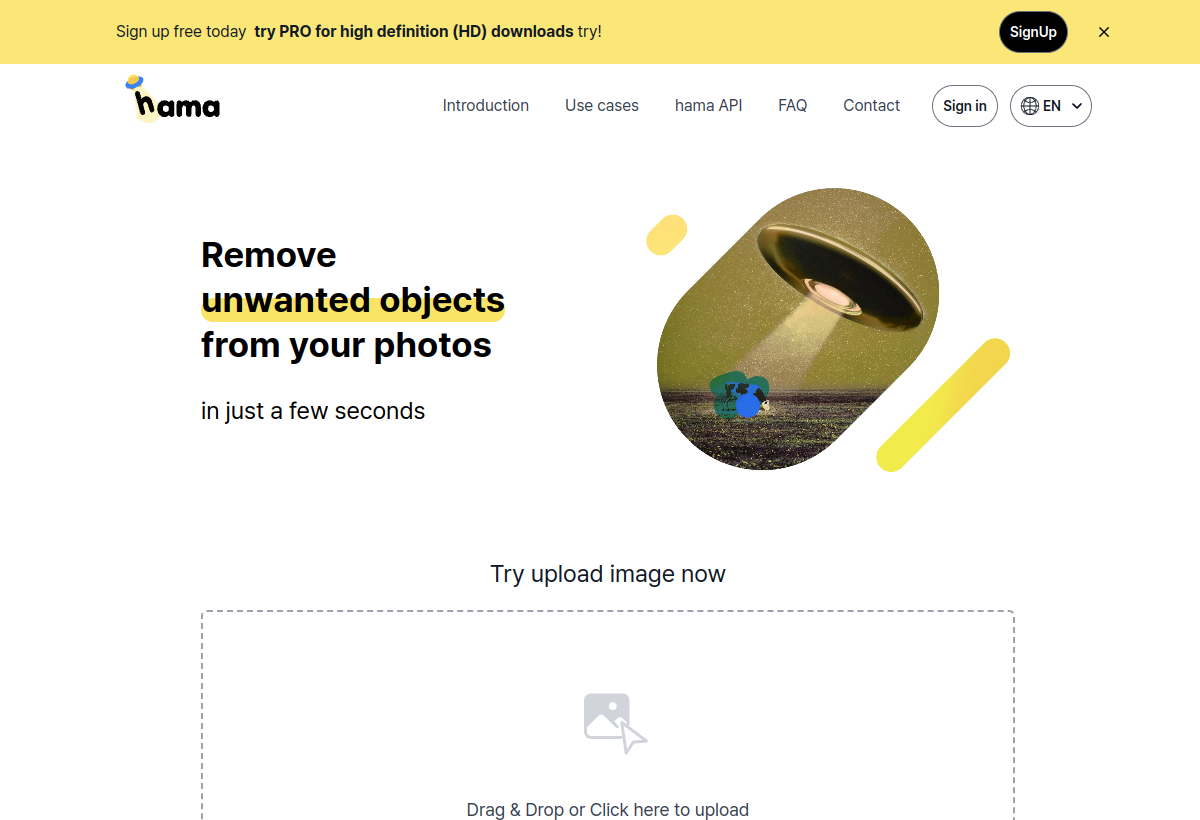
Hama is a mobile app that uses AI to remove unwanted objects, people and blemishes from photos with a finger-swipe interface, popular for quick phone edits.
Hama sits in the Image Generation category and earns an overall AIProsNCons Trust Score of 7.7/10, making it a solid, dependable choice for most people.
Where Hama shines: very intuitive swipe-to-remove mobile interface, handles small object removal well, and free to start with optional upgrades.
No tool is perfect. The main limitations to weigh up are that struggles with large or complex removals, mobile-only, no desktop version, and ad-supported free tier.
Hama runs on a freemium model: there's a free tier to try it, and paid plans (Free / in-app purchases) unlock the full feature set.
Hama is worth it if you want a fast mobile app for erasing small unwanted objects. You should skip it if you need precise desktop-level object removal.
Hama has a free tier, with paid plans (Free / in-app purchases) unlocking more.
Hama is best for quick mobile object removal, cleaning up vacation or event photos on the go, casual users who dislike desktop editors.
The main drawbacks: Struggles with large or complex removals; Mobile-only, no desktop version; Ad-supported free tier.
With an overall Trust Score of 7.7/10, Hama is a solid, dependable choice for most people. It is worth it if you want a fast mobile app for erasing small unwanted objects.
The closest image generation alternatives to Hama are Midjourney, Pixelmator Pro, and Topaz Gigapixel AI.
The closest image generation tools worth comparing.
If Hama isn't quite the right fit, the top alternatives are Midjourney, Pixelmator Pro, Topaz Gigapixel AI. Put them head-to-head in our comparison tool.
Best-in-class artistic AI image generation.

Mac-native AI-powered photo editing and design software.

Professional-grade AI photo upscaler used by photographers.