
DeepL Translator
✍️ Writing & ContentWidely respected AI-powered language translator.
Widely regarded as more natural …Strong free tier
Fewer supported languages than G…Advanced features need a paid plan

AI writing assistant and personal assistant in one.
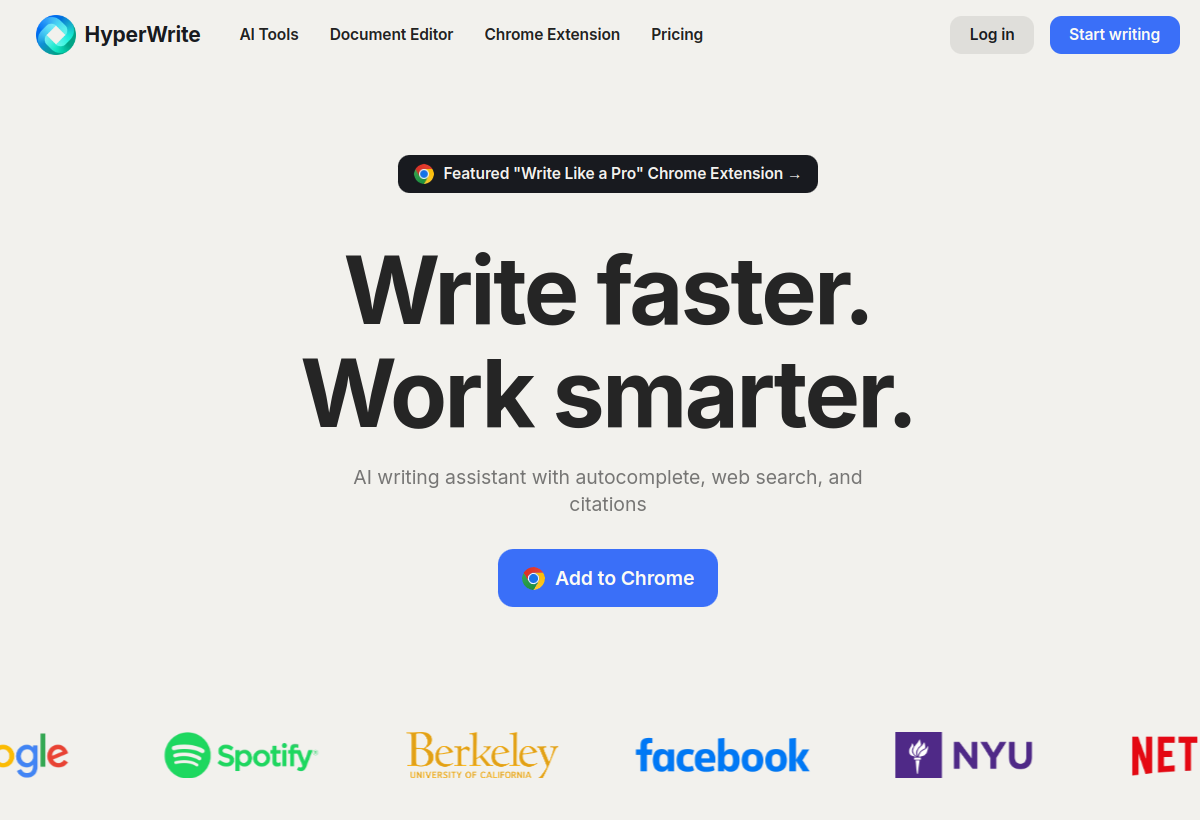
HyperWrite offers AI-powered writing assistance across the web plus an AI personal assistant (Personal Assistant) that can complete tasks autonomously.
HyperWrite sits in the Writing & Content category and earns an overall AIProsNCons Trust Score of 7.7/10, making it a solid, dependable choice for most people.
Where HyperWrite shines: combines writing help with task automation, works across the web via extension, and usable free tier.
No tool is perfect. The main limitations to weigh up are that personal assistant features still maturing, less specialized than dedicated long-form writers, and advanced features need paid plans.
HyperWrite runs on a freemium model: there's a free tier to try it, and paid plans (Free / $19.99+ mo) unlock the full feature set.
HyperWrite is worth it if you want everyday AI writing help plus light task automation. You should skip it if you need deep SEO tools or specialized long-form writing.
HyperWrite has a free tier, with paid plans (Free / $19.99+ mo) unlocking more.
HyperWrite is best for everyday writing across the web, users wanting writing plus light automation, budget-conscious ai writing help.
The main drawbacks: Personal assistant features still maturing; Less specialized than dedicated long-form writers; Advanced features need paid plans.
With an overall Trust Score of 7.7/10, HyperWrite is a solid, dependable choice for most people. It is worth it if you want everyday AI writing help plus light task automation.
The closest writing & content alternatives to HyperWrite are DeepL Translator, Grammarly, and Scribe.
The closest writing & content tools worth comparing.
If HyperWrite isn't quite the right fit, the top alternatives are DeepL Translator, Grammarly, Scribe. Put them head-to-head in our comparison tool.
Widely respected AI-powered language translator.

AI writing assistant for grammar, tone and clarity.

Automatically turns your workflow into a step-by-step guide.