
DaVinci Resolve
🎬 VideoProfessional video editor with AI-powered Neural Engine tools.
Professional-grade editing, comp…Powerful AI tools like Magic Mas…
Steep learning curve for beginnersStudio version is a one-time pai…

Easy-to-use video editor with AI-powered effects.
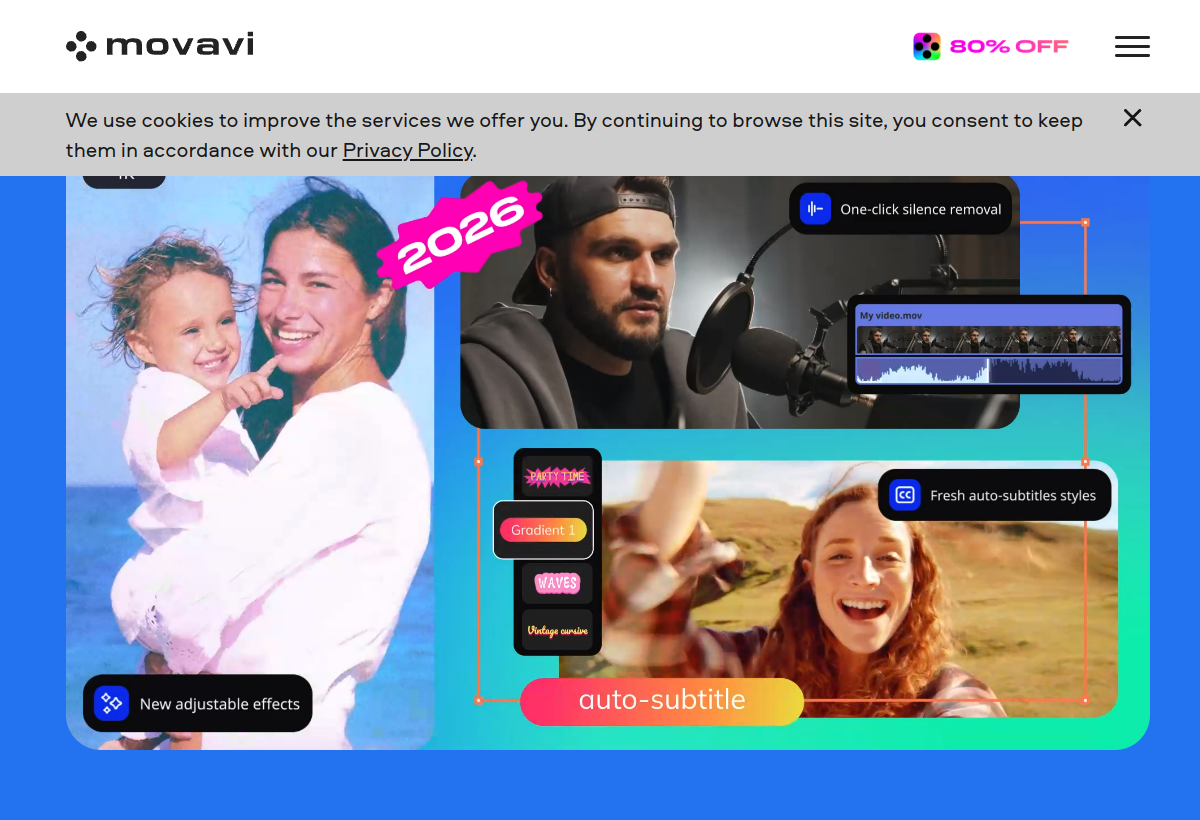
Movavi offers accessible video editing software with AI-powered background removal, motion tracking and noise reduction for everyday creators.
Movavi sits in the Video category and earns an overall AIProsNCons Trust Score of 7.3/10, making it a solid, dependable choice for most people.
Where Movavi shines: beginner-friendly interface, aI-powered effects like background removal, and one-time purchase options available.
No tool is perfect. The main limitations to weigh up are that less powerful than professional suites, advanced features need premium tiers, and windows/Mac desktop only.
Movavi is a paid tool (From $29.95) — check whether a free trial is available before committing.
Movavi is worth it if you want easy, accessible video editing with helpful AI effects. You should skip it if you need professional-grade tools or browser-based editing.
No — Movavi is a paid tool (From $29.95), though it may offer a trial.
Movavi is best for beginners wanting easy video editing, everyday content creators, one-time-purchase preference.
The main drawbacks: Less powerful than professional suites; Advanced features need premium tiers; Windows/Mac desktop only.
With an overall Trust Score of 7.3/10, Movavi is a solid, dependable choice for most people. It is worth it if you want easy, accessible video editing with helpful AI effects.
The closest video alternatives to Movavi are DaVinci Resolve, Descript, and Google Veo.
The closest video tools worth comparing.
If Movavi isn't quite the right fit, the top alternatives are DaVinci Resolve, Descript, Google Veo. Put them head-to-head in our comparison tool.
Professional video editor with AI-powered Neural Engine tools.

Edit video and podcasts by editing text.

Google DeepMind's state-of-the-art text-to-video model.