
DaVinci Resolve
🎬 VideoProfessional video editor with AI-powered Neural Engine tools.
Professional-grade editing, comp…Powerful AI tools like Magic Mas…
Steep learning curve for beginnersStudio version is a one-time pai…

Professional AI motion capture from video.
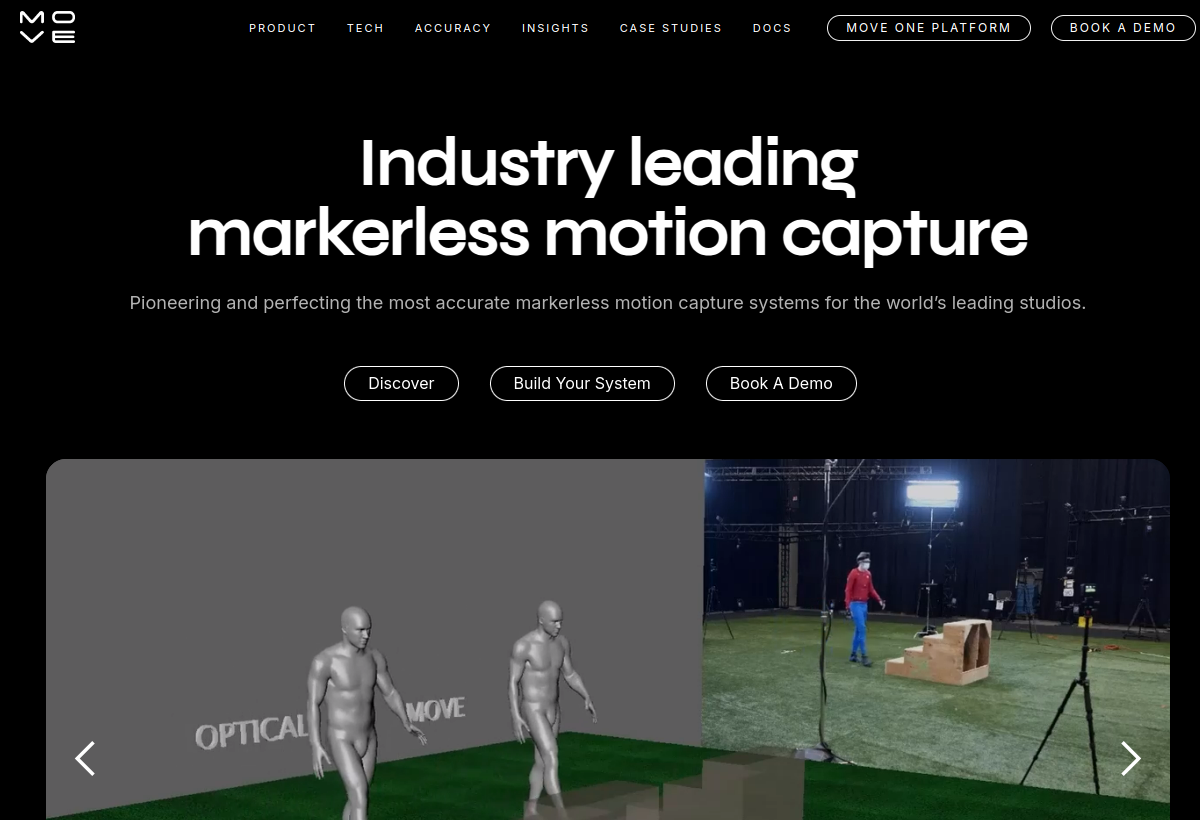
Move.ai extracts high-quality motion capture data from ordinary video footage using AI, used in film, game and VFX production pipelines.
Move.ai sits in the Video category and earns an overall AIProsNCons Trust Score of 7.5/10, making it a solid, dependable choice for most people.
Where Move.ai shines: professional-grade motion capture quality, used in real film/game/VFX pipelines, and no special suits or markers required.
No tool is perfect. The main limitations to weigh up are that studio/professional pricing, not accessible to hobbyists, requires production-level use cases, and setup and workflow integration needed.
Move.ai is a paid tool (Custom / studio pricing) — check whether a free trial is available before committing.
Move.ai is worth it if your production needs professional-quality markerless motion capture. You should skip it if you are a hobbyist or need simple editing tools.
No — Move.ai is a paid tool (Custom / studio pricing), though it may offer a trial.
Move.ai is best for film, game and vfx studios, professional motion capture needs, productions wanting markerless mocap.
The main drawbacks: Studio/professional pricing, not accessible to hobbyists; Requires production-level use cases; Setup and workflow integration needed.
With an overall Trust Score of 7.5/10, Move.ai is a solid, dependable choice for most people. It is worth it if your production needs professional-quality markerless motion capture.
The closest video alternatives to Move.ai are DaVinci Resolve, Descript, and Google Veo.
The closest video tools worth comparing.
If Move.ai isn't quite the right fit, the top alternatives are DaVinci Resolve, Descript, Google Veo. Put them head-to-head in our comparison tool.
Professional video editor with AI-powered Neural Engine tools.

Edit video and podcasts by editing text.

Google DeepMind's state-of-the-art text-to-video model.