
ChatGPT
💬 Chatbots & AssistantsThe most popular AI chatbot for writing, ideas and research.
VersatileBig free tier
Best models paidCan hallucinate

AI assistant embedded across Word, Excel, Outlook & Teams.
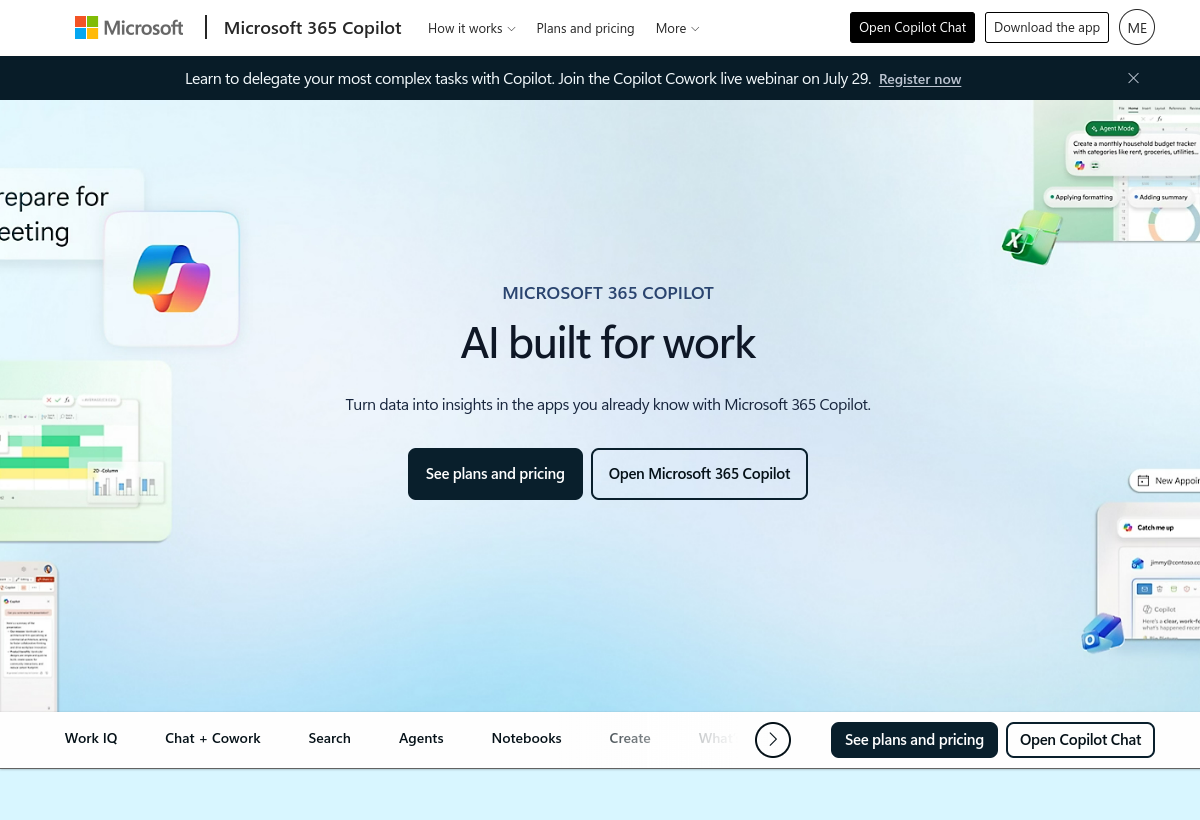
Copilot for Microsoft 365 embeds AI directly into Word, Excel, PowerPoint, Outlook, and Teams for enterprise productivity.
Copilot for Microsoft 365 sits in the Chatbots & Assistants category and earns an overall AIProsNCons Trust Score of 7.3/10, making it a solid, dependable choice for most people.
Where Copilot for Microsoft 365 shines: deep integration across Office apps and strong enterprise data controls.
No tool is perfect. The main limitations to weigh up are that expensive per-seat add-on and requires eligible Microsoft 365 license.
Copilot for Microsoft 365 is a paid tool ($30/user/mo) — check whether a free trial is available before committing.
Copilot for Microsoft 365 is worth it if you need ai assistant embedded across word, excel, outlook & teams. You should skip it if requires eligible microsoft 365 license is a dealbreaker for you.
No — Copilot for Microsoft 365 is a paid tool ($30/user/mo), though it may offer a trial.
Copilot for Microsoft 365 is best for deep integration across office apps, teams that value strong enterprise data controls.
The main drawbacks: Expensive per-seat add-on; Requires eligible Microsoft 365 license.
With an overall Trust Score of 7.3/10, Copilot for Microsoft 365 is a solid, dependable choice for most people. It is worth it if you need ai assistant embedded across word, excel, outlook & teams.
The closest chatbots & assistants alternatives to Copilot for Microsoft 365 are ChatGPT, Claude, and Google Gemini.
The closest chatbots & assistants tools worth comparing.
If Copilot for Microsoft 365 isn't quite the right fit, the top alternatives are ChatGPT, Claude, Google Gemini. Put them head-to-head in our comparison tool.
The most popular AI chatbot for writing, ideas and research.

Thoughtful AI assistant with long memory and strong reasoning.

Google's multimodal AI across Search and Workspace.