
Excalidraw
🖌️ Design & CreativeOpen-source, hand-drawn-style collaborative whiteboard.
Beloved, distinctive hand-drawn …Free and open source
AI features are lighter than ded…Less polished for formal busines…

AI feature inside UXPin that generates real UI from prompts.
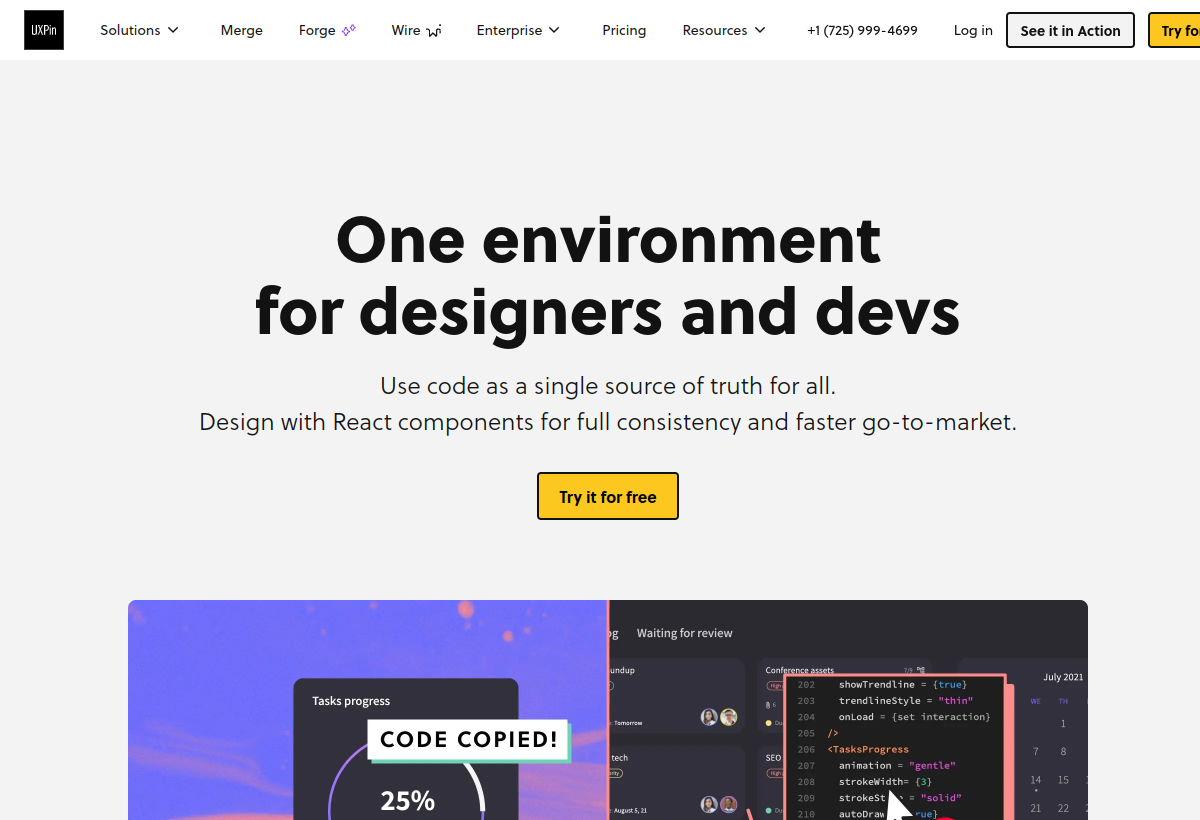
UXPin Merge AI generates interactive UI screens from text prompts using your actual coded design system components, not static shapes, aimed at product teams wanting code-accurate prototypes.
UXPin Merge AI sits in the Design & Creative category and earns an overall AIProsNCons Trust Score of 7.5/10, making it a solid, dependable choice for most people.
Where UXPin Merge AI shines: generates prototypes from real coded components, not fake vectors, output is closer to production-ready than typical AI mockup tools, and useful for design systems teams wanting consistency.
No tool is perfect. The main limitations to weigh up are that requires setting up Merge and a component library first, steeper setup than pure drag-and-drop tools, and no lasting free tier, and pricing is per-editor.
UXPin Merge AI is a paid tool (Free trial / $19+ mo per user) — check whether a free trial is available before committing.
UXPin Merge AI is worth it if you have a design system and want AI prototypes built from real components. You should skip it if you want quick static mockups or have no component library.
No — UXPin Merge AI is a paid tool (Free trial / $19+ mo per user), though it may offer a trial.
UXPin Merge AI is best for teams with an existing coded design system, product teams wanting code-accurate ai prototypes, design system governance and consistency.
The main drawbacks: Requires setting up Merge and a component library first; Steeper setup than pure drag-and-drop tools; No lasting free tier, and pricing is per-editor.
With an overall Trust Score of 7.5/10, UXPin Merge AI is a solid, dependable choice for most people. It is worth it if you have a design system and want AI prototypes built from real components.
The closest design & creative alternatives to UXPin Merge AI are Excalidraw, Canva Magic Studio, and Typeform.
The closest design & creative tools worth comparing.
If UXPin Merge AI isn't quite the right fit, the top alternatives are Excalidraw, Canva Magic Studio, Typeform. Put them head-to-head in our comparison tool.
Open-source, hand-drawn-style collaborative whiteboard.

AI design tools inside the Canva editor.

Popular interactive form builder with AI features.